
SNMP Agent Simulator Tool
Simulates multiple network devices at once, each running independently so they can start and stop cleanly.
Supports secure access with usernames, passwords, and encryption to protect data.
Uses simple CSV files to define how each type of device behaves and what data it provides.
Automatically creates and manages data files for each device based on its type.
Remembers changes: if you update a value, it’s saved and still there after a restart.
Can generate both fixed values and changing (randomized) values to mimic real devices.
Handles common network requests (like reading or updating data) and explains errors in plain language.
Logs detailed activity, including who connected, what they asked for, and any problems.
Includes a graphical interface with light/dark mode, start/stop controls, live logs, and system status.
Lets you view all simulated devices, check if they’re actively listening, and keeps logs in both the app and a CSV file for later use.
SNMP Agent Simulator Listening

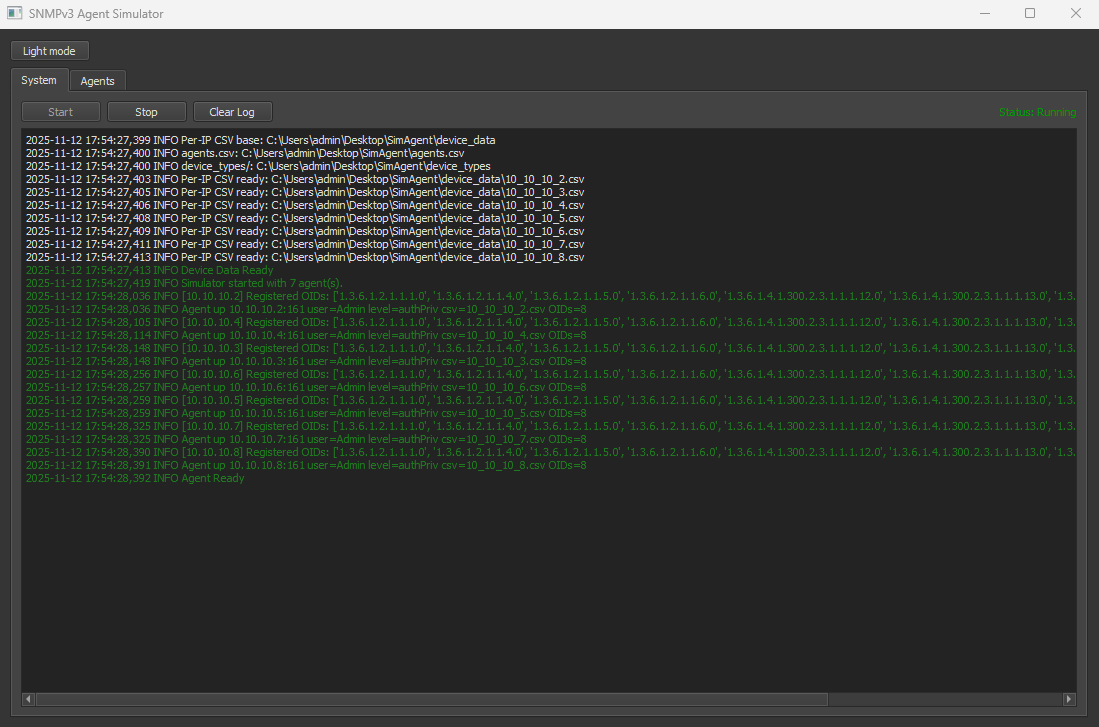
SNMP Agent Simulator Start Processes
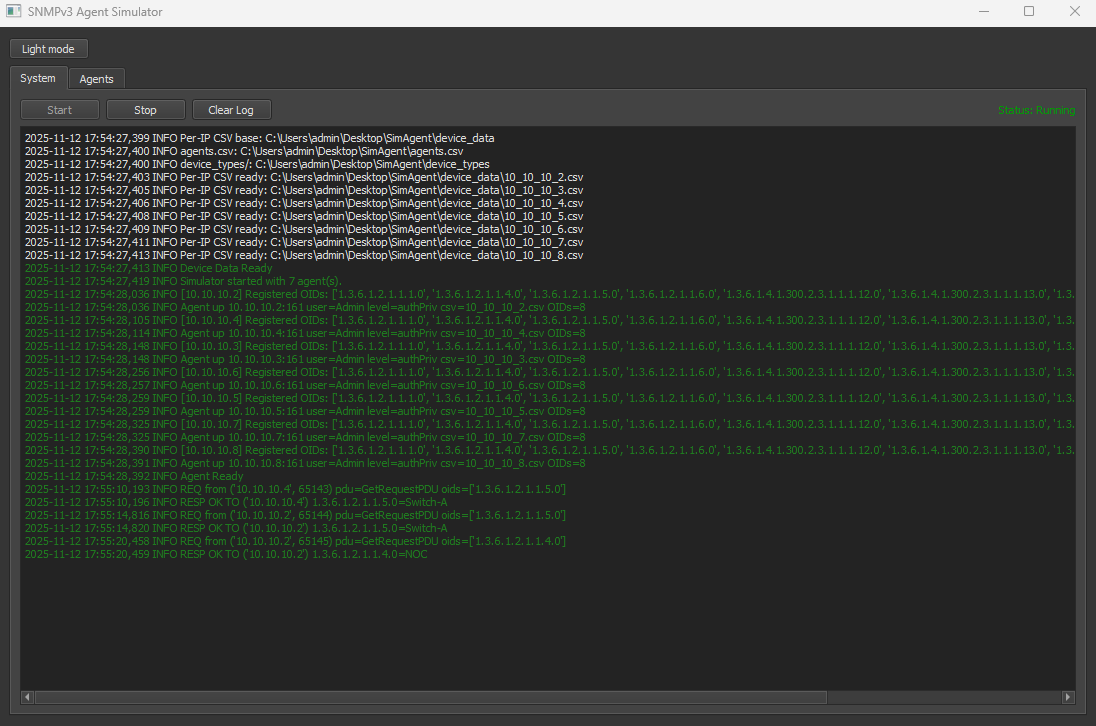
SNMP Agent Simulator Responding to SNMP Requests